A dedicated controller connection
The module communicates with a compatible master through its dedicated interface. This connection brings the module’s data and control signals into the controller configuration.
AXON LTE adds cellular connectivity to compatible master configurations. The modem, SIM slot, antenna connection and local power circuitry are combined in a separate module for AXON installations that use a mobile network connection.
Cellular communication is planned around coverage, the operator and the installation configuration. The module complements a compatible controller where the project calls for this connection.
Where the access control configuration calls for a mobile network, the module brings that connection to a compatible building controller. The SIM and antenna are selected around coverage at the installation site.
At entrances or garages where the project includes cellular connectivity, the module is mounted with the controller. Antenna position and signal coverage are part of the connection plan.
For multiple buildings or access points, operator and network settings are organised by location. Cellular communication complements the architecture chosen for each installation.
Buildings do not all have the same network infrastructure. AXON LTE is the cellular module in the AXON family for compatible configurations where the controller connects through a mobile operator. It can form part of an access control project for residential buildings, entrances, elevators or garages.
The module combines cellular connectivity, a SIM slot and an antenna connection in a unit mounted next to the controller. Data and control signals pass through the dedicated connection between the module and the master.
Using the connection requires planning for coverage, the antenna, the SIM and operator settings. These are selected for the specific installation, together with how the controller uses its communication links.
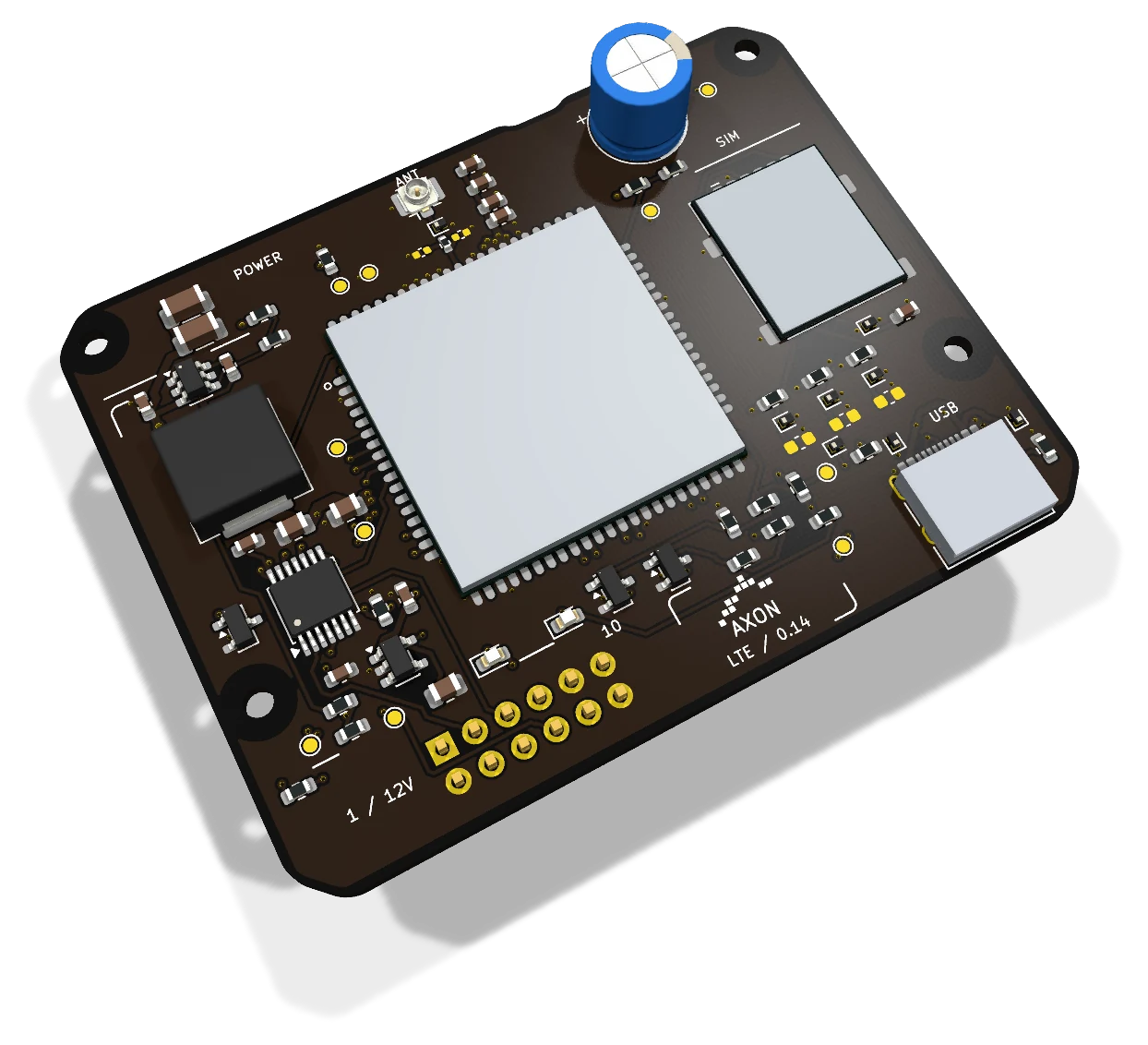
The module has separate interfaces for controller communication, the mobile network and local servicing.
The module communicates with a compatible master through its dedicated interface. This connection brings the module’s data and control signals into the controller configuration.
The board provides a SIM slot and an antenna connection. Coverage and installation needs determine the operator, service plan and antenna position.
The USB-C port is used to service the modem. Board power comes from the controller’s 12 V interface; USB-C does not power the module.
The controller connection carries both power and communication for the module. Position, orientation and mounting clearance are defined as part of the installation.
The module receives 12 V from the appropriate interface on a compatible master. Its power requirements are planned together with the controller and the installation’s use of cellular connectivity.
Cellular connectivity is selected around the building’s needs and how the controller communicates with AXON services. Operator settings and network use are defined in the installation configuration.
The module connects to the master’s matching connector and standoffs. Disconnect power before fitting or removing it, keep the connector correctly oriented and maintain clearance between the boards.
LTE provides a network route for the compatible master. Cards, access decisions and device management remain functions of the AXON master and platform.
While the cellular connection is available, the master can exchange card, permission and configuration updates with the platform in real time, alongside other connected masters. A site without communication receives remote changes after the link is restored.
The platform manages schedules, validity and payment-linked permissions, gives residents advance notice on their phones and lets administrators deactivate selected readers or subordinate nodes. LTE carries the connected master’s traffic; the module itself does not store card permissions or process payments.
The master uses encrypted cloud links over the selected network connection. Subordinate-device communication is encrypted on the local system side. SIM service, mobile coverage, antenna placement and the compatible master configuration are planned for the installation.
Considering AXON LTE for your project? Compare economical and Premium configurations, then adjust the budget for elevators, access-controlled landings, doors, garages and credentials.
Indicative starting prices for system configurations. Your project quote specifies the selected boards, equipment, installation and services.
| Role | Optional cellular communication module |
|---|---|
| Communication | LTE, depending on the operator and configuration |
| Controller connection | Dedicated module interface |
| Power | 12 V from the controller interface |
| Network interfaces | SIM slot and antenna connection |
| Servicing | USB-C; does not supply board power |
| Installation | Disconnect power before fitting or removing; no hot-plugging |
The master coordinates the system. Nodes add outputs, readers identify users and modules extend connectivity.
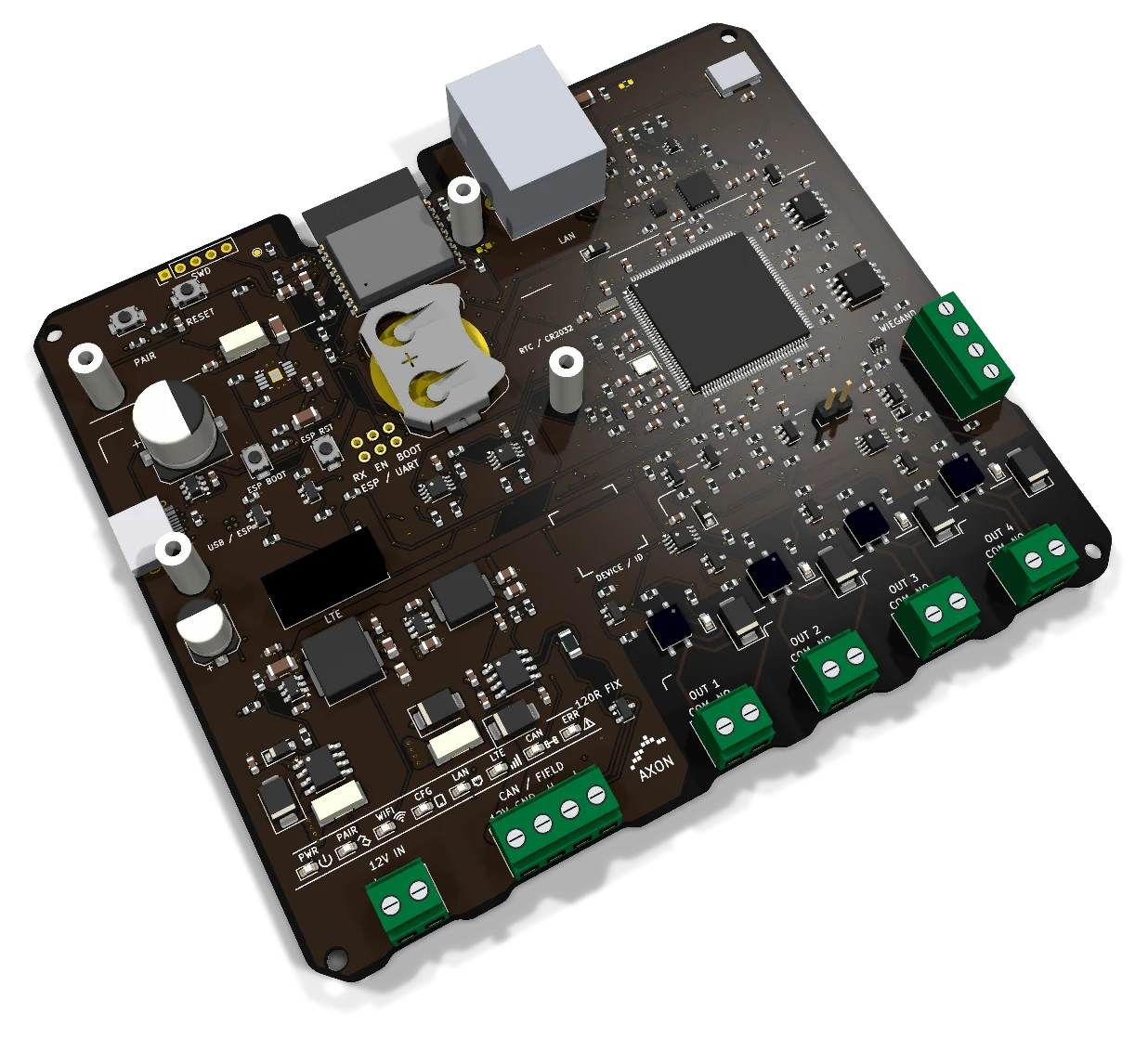 Compact master
Four SSR outputs, Ethernet, Wi-Fi and a Wiegand input.
Explore the board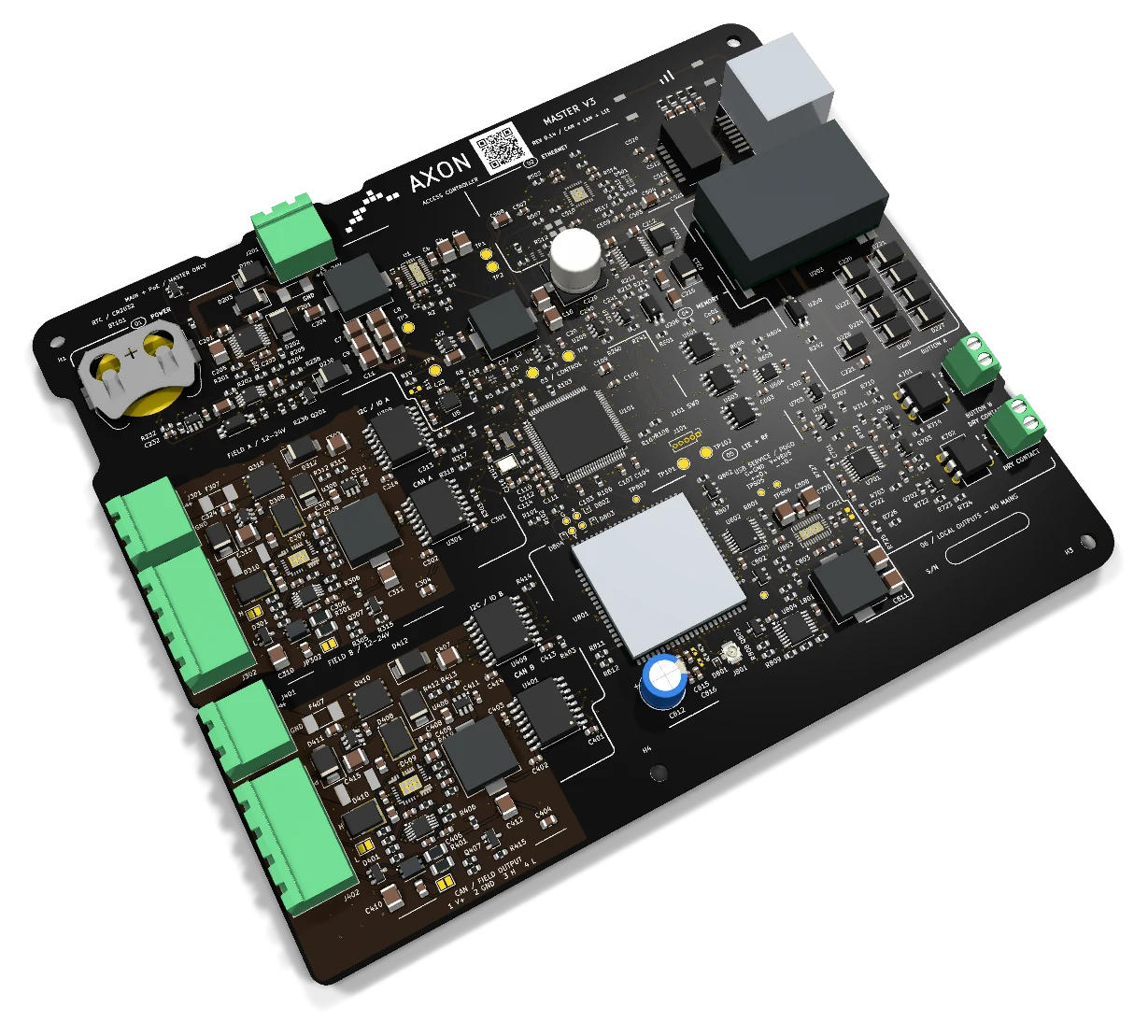 Access controller with two isolated CAN channels
Two isolated CAN channels, EMI filtering and separately monitored power for each branch.
Explore the board Expansion node
Eight additional SSR contacts for control signals, with CAN communication and an indicator for each channel.
Explore the board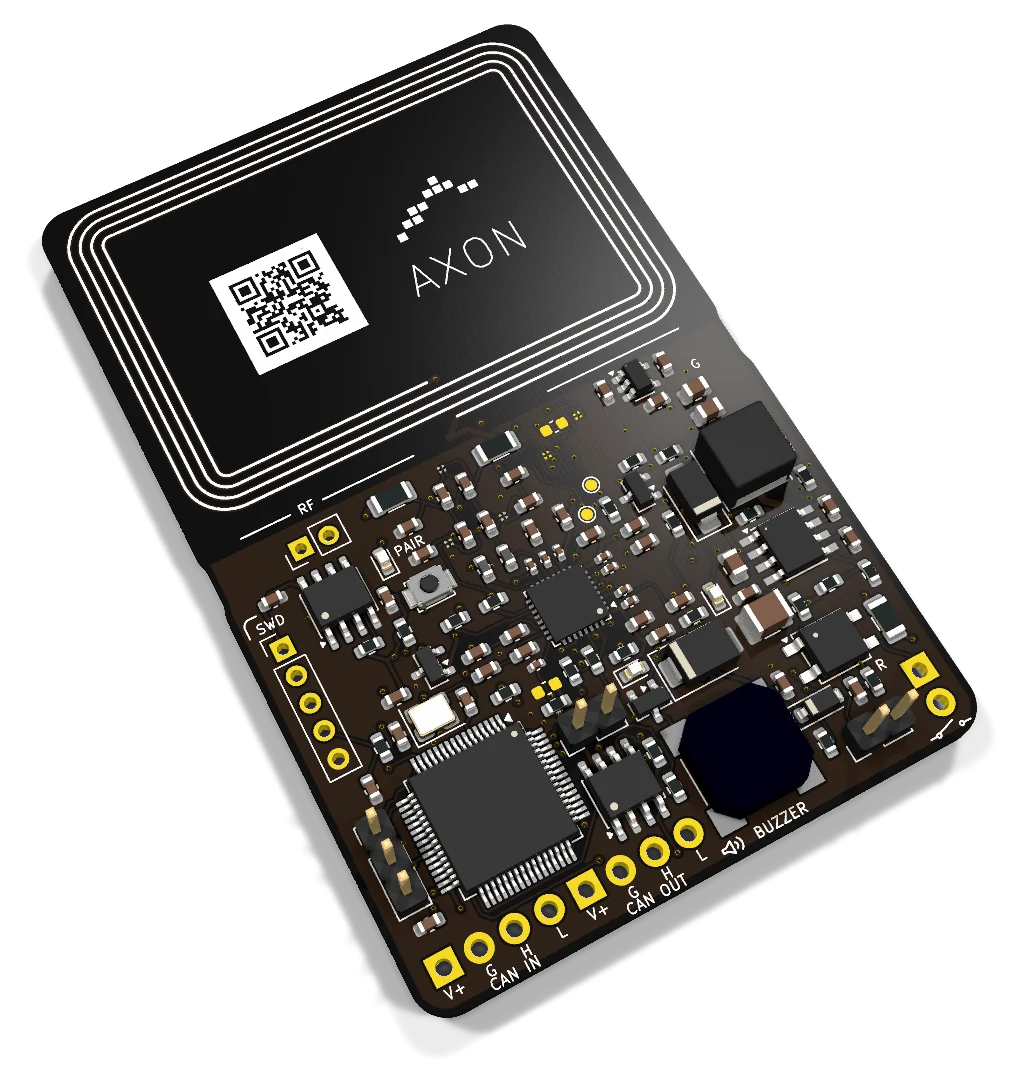 RFID/NFC reader
RFID/NFC reader with an onboard antenna, CAN communication and audible and visual feedback at the access point.
Explore the boardLet’s plan the connection, mobile operator service and antenna position for your building.