Access controller with two isolated CAN channels

AXON Master PremiumAccess controller with two isolated CAN channels

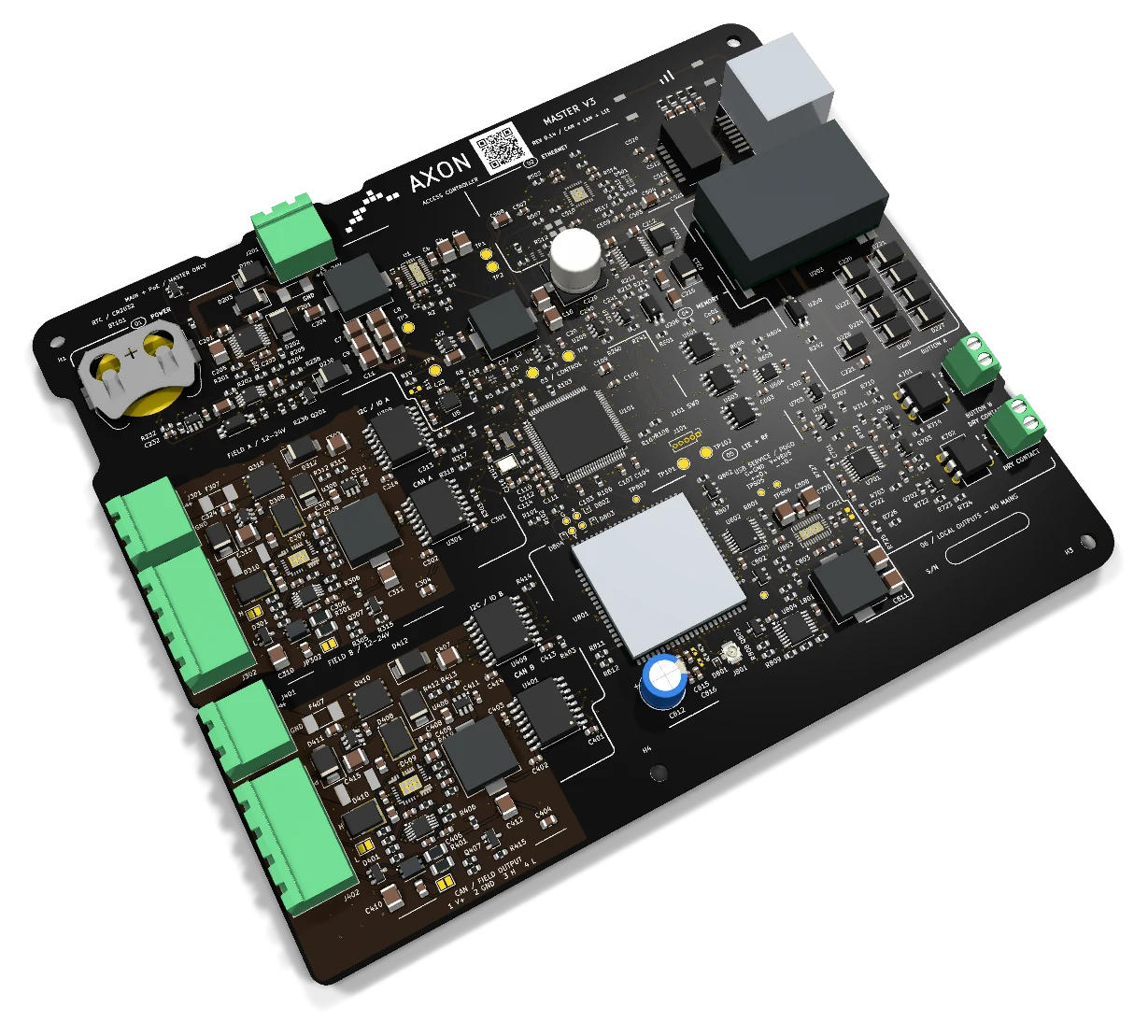
AXON Master V3PCB Rev 0.14Ready for use

AXON Master Premium provides access control for elevators, doors and garages through two isolated CAN branches. EMI filtering, ESD protection and monitored node power are complemented by Ethernet, PoE for the controller and onboard LTE.

2 × CANGalvanic isolation
EMI / ESDFiltering and protection
Ethernet / PoENetwork and controller power
2 × SSRLocal contacts

Two branches. One point of control.

An entrance for residents, another for service staff, and several floors with restricted access. Group readers and nodes around the spaces they serve, with two CAN branches connected to the same controller.

BuildingsEntrances, doors and shared spaces

Organize readers and nodes across two CAN branches. One can serve a group of entrances and the other a separate area, following the layout of the building.

ElevatorsAccess to authorised floors

The controller can be installed in a cabinet or inside the elevator car. Output nodes connect to panel signals; the card permissions and system configuration determine which requests are authorised.

GaragesVehicle entrances and access points

Place the reader and output interface near the access point. The command connects to a suitable input on the gate or barrier controller.

See how it connects to the system
AXON Master Premium

Access control shaped around the way your building works.

A building may have a main entrance, several elevators, a garage and technical rooms. Each is an access point, but each serves different people and needs a different connection. AXON Master Premium is the central controller that organises the installation through two CAN channels, with nodes and readers close to where they are needed.

The Premium model focuses on electrical separation and branch monitoring. Each CAN channel has galvanic isolation, electromagnetic noise filtering and ESD protection. Both branches also have separate power protection and measurement. This gives communication and power distribution clearly defined paths throughout the installation.

AXON Master Premium combines Ethernet, PoE power for the controller and integrated LTE. Its two local SSR contacts can be expanded with nodes when the installation needs more outputs. For the building manager, the configuration follows the entrances, users and services. For the installer, each interface has a defined role.

The same master can be installed inside or outside the elevator cabin. From an external cabinet, it can serve landing readers, building entrances, the garage and vehicle barriers, while relay nodes inside the cabin connect to floor signals on the same compatible CAN lines. Using a common master and a small range of expansion nodes reduces the number of board types needed across the building.

Each master stores up to 1,000,000 cards and supports up to 240 addressed subordinate devices, including readers and output nodes. Node8 adds eight SSR outputs; other node variants provide eight or more outputs according to their model. Device count, output count and access-point count are planned separately.

Angled view of the actual board AXON Master Premium
AXON Master V3 · Actual PCB

From an RFID card to an authorised access point.

The user presents a card to the reader. The system connects that identification with access permissions and the signal required by the door, elevator panel or garage controller.

The reader identifies the card

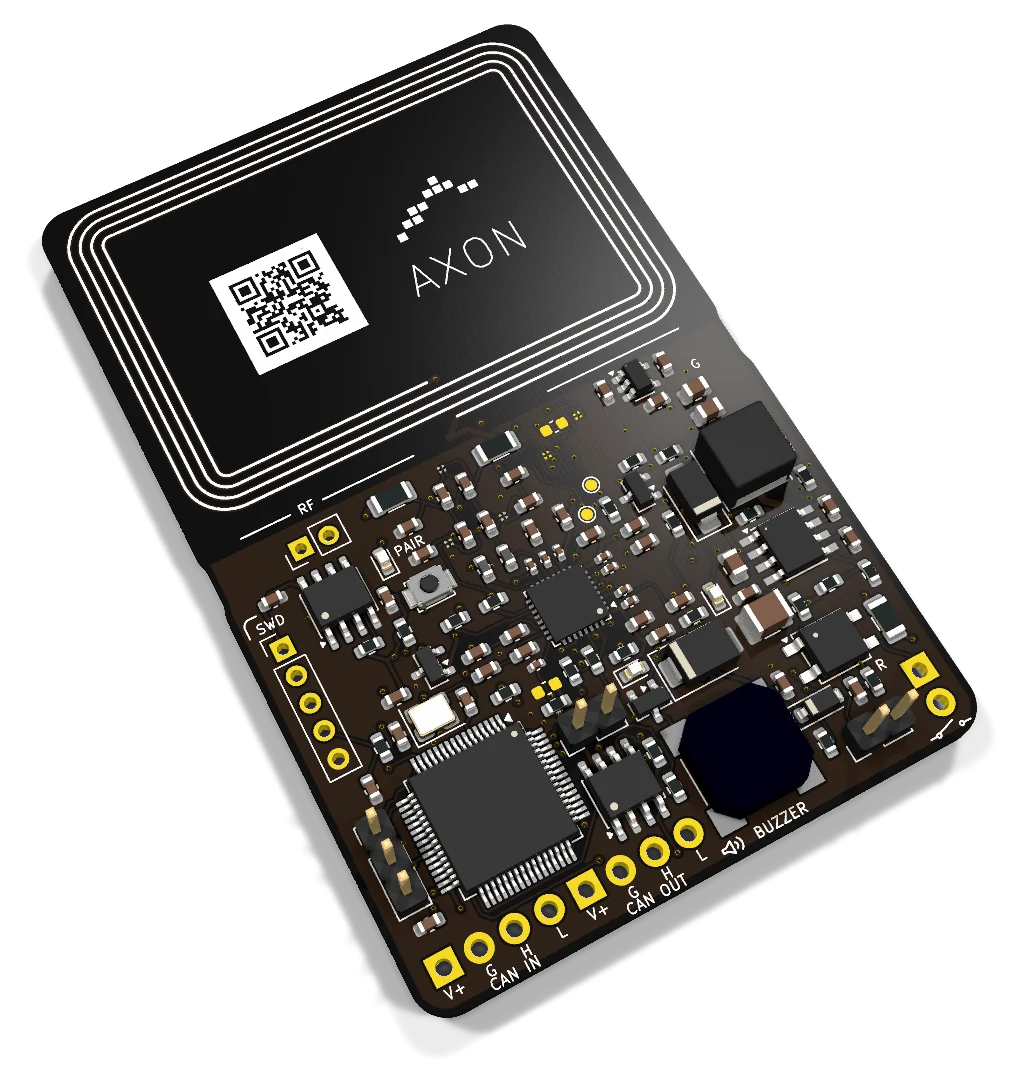
The RFID reader is where a resident, employee or technician presents their card. AXON CAN readers bring this interaction to the entrance or control panel and communicate with the rest of the system.

Master Premium acts as the controller. The card technology and reading profile are selected together with the reader and installation configuration. This lets you choose the identification device to suit the place where it will be used.

Permissions define who can enter each space

A resident may need access to the building entrance, the garage and their own floor. Employees may use designated work areas, while the maintenance team needs access to technical rooms.

These groups are defined when users and cards are managed. Access restrictions work best when they reflect how the building is used: who needs to enter, which spaces they need and what responsibilities they have.

The output sends the appropriate command

Once access is authorised, the output interface connects to the control signal of the relevant equipment. Master Premium provides two local SSR contacts for button signals; output nodes extend this part of the installation.

In an elevator, the connection can act on the signal for an authorised floor. A door or garage uses the appropriate command input. Locks, motors and their power supplies are handled by the relevant power interfaces.

Access for elevators, doors, garages and service areas.

One access plan can cover several types of space. Readers, nodes and command interfaces are selected around the existing equipment and the way people move through the building.

Elevator access to authorised floors

Elevator access control links each user’s card to the floors they are allowed to reach. In residential buildings, this helps organise access for residents; in offices and hotels, it separates floors according to their use.

The modular controller can be planned inside the elevator car or in a cabinet. Nodes add contacts to suit the panel. The connection handles access command signals; movement and safety functions remain with the elevator system.

Doors and shared entrances

The main entrance, an office, a storage room and a technical room may each have different user groups. RFID cards and permissions organise access to these spaces, with readers near the entry points.

Each door is assessed together with its existing controller, lock, power supply and exit button. The command contact is selected to match the equipment interface, along with the arrangements for free exit and the installation requirements.

Garages, gates and barriers

In a shared garage, access is linked to the users who are entitled to enter. Reader and node positions are planned around the access point, cable routes and existing gate or barrier system.

The command connects to a suitable input on the gate or barrier controller. Its own automation continues to manage the motor, sensors and protective functions. Compatibility is determined from the specific equipment model and signal.

Several entrances, one coordinated plan

A complex with several entrances needs a clear map of its areas and responsibilities. The two CAN branches can organise groups of nodes by location and cable routing, with readers placed close to the people using them.

Residents, staff and service teams may have different needs within the same building. Planning these together makes it easier to define readers, contacts and power distribution before installation.

Two CAN branches for an organised installation.

CAN A and CAN B are separate communication channels. Each has its own isolated interface, node connections and associated power supply.

Group devices by location and cable route

Both CAN branches can serve compatible readers and relay nodes. Devices outside the cabin and output nodes inside it can share the same compatible lines, so a master outside the elevator can manage both the cabin panel and building access points. Allocate the branches around cable routes, electrical requirements and the position of the equipment.

This gives local devices two clearly defined communication paths. Cabling, termination and power are considered separately for each branch. The two channels have distinct roles; they do not by themselves provide automatic failover.

Add outputs close to the equipment they control

When Premium’s two local contacts are not enough, nodes add outputs where the commands are needed. AXON Node8 provides eight SSR contacts and CAN connectivity for this role within the system family.

CAN IN and CAN OUT on a node continue the same bus. On Premium, CAN A and CAN B are separate channels. This distinction matters when preparing the wiring plan and assigning nodes to each branch.

Modular architecture or an elevator car controller

The AXON family also includes controllers with many outputs in one elevator car unit, such as CCU-32. The modular architecture uses a master and nodes to distribute contacts around the installation. Both approaches start with the panel and the access points that need to be managed.

The modular system supports up to 240 addressed subordinate devices per master. A device can be a reader or an output node with several contacts; this is not a limit of 240 relays. Node8 has eight SSR outputs, and other node variants provide eight or more outputs according to their model. Size each bus segment and its power supply for the devices connected to it.

Electrical protection built into the interfaces.

In a building, cables run near power supplies, motors and other electrical equipment. Premium uses complementary measures for circuit separation, electromagnetic noise and electrostatic discharge.

Galvanic isolation on both CAN channels

Devices spread across a building can have different electrical references and power supplies. Each Premium CAN channel uses an isolation barrier to separate the control side from the side communicating with field devices.

This electrical separation supports communication between the controller and devices distributed throughout the building. Power and cabling are planned for each branch according to the installation conditions.

EMI filtering for noise on the lines

Electrical equipment near a cable can generate noise that affects communication. Premium includes EMI filtering on both CAN channels to address this interference at the connection interfaces.

Filtering works alongside the choice of cable, its route and appropriate termination. These are considered when the controller is placed near an elevator panel, automation equipment or other electrical devices.

ESD protection at the connections

Electrostatic discharge can occur when equipment and connections are touched. Premium includes ESD protection on both CAN interfaces and on the Ethernet interface.

ESD protection, EMI filtering and galvanic isolation have complementary roles. Together with appropriate installation, they form part of how the controller is integrated into the building’s electrical environment.

Protection also depends on the installation

The enclosure, grounding and cable organisation complement the controller’s protection measures. In a cabinet that brings together networking, power and access signals, each connection needs a defined position and route.

Planning takes account of nearby equipment, access for servicing and environmental conditions. The controller and its installation are considered together as parts of the same solution for the building.

Power distribution and measurement for each branch.

Node power is planned separately from controller power. The two branches have separate 12–24 V DC inputs, with individual protection and measurement.

Electronic protection for branch power

Each branch includes protection against undervoltage, overvoltage, overcurrent and excessive temperature. These functions apply to the power distributed to the devices on that branch.

Power supplies and cables are sized for the actual load, including the devices and cable distances on each branch. Keeping the branches separate makes power planning clearer as the installation expands.

Reverse polarity and reverse current protection

The node supply includes protection against reversed polarity and reverse current. These measures complement the protection provided for each branch where it connects to its power source.

The A/B division helps document sources and loads clearly during installation and servicing. Connections are checked against the installation plan before power is applied.

Voltage and current measurement

Each branch provides voltage and current measurements. This allows power requirements and device loads to be considered separately for the two groups of devices.

The measurements support monitoring and diagnostics according to the configuration. How they are displayed and used by the system is defined as part of the platform integration.

PoE for the controller, separate supplies for the nodes

The controller can be powered through its own 12–24 V DC input or through the PoE module on its Ethernet connection. This offers another way to organise the controller where the network infrastructure supports it.

Nodes use the external supplies for the two branches. The controller’s PoE does not power them; the power budget for local devices is calculated separately for each branch.

Ethernet, LTE and local contacts each have a defined role.

Platform communication, node connections and equipment commands are different parts of the system. Premium brings them together in a controller with dedicated interfaces.

Ethernet for the building network

The RJ45 port connects the controller to the local network for communication with system services. Ethernet is part of the building infrastructure and is planned alongside the location of the control cabinet.

Planning covers the network connection, PoE power where used and access to AXON services. CAN A/B handle communication with local devices.

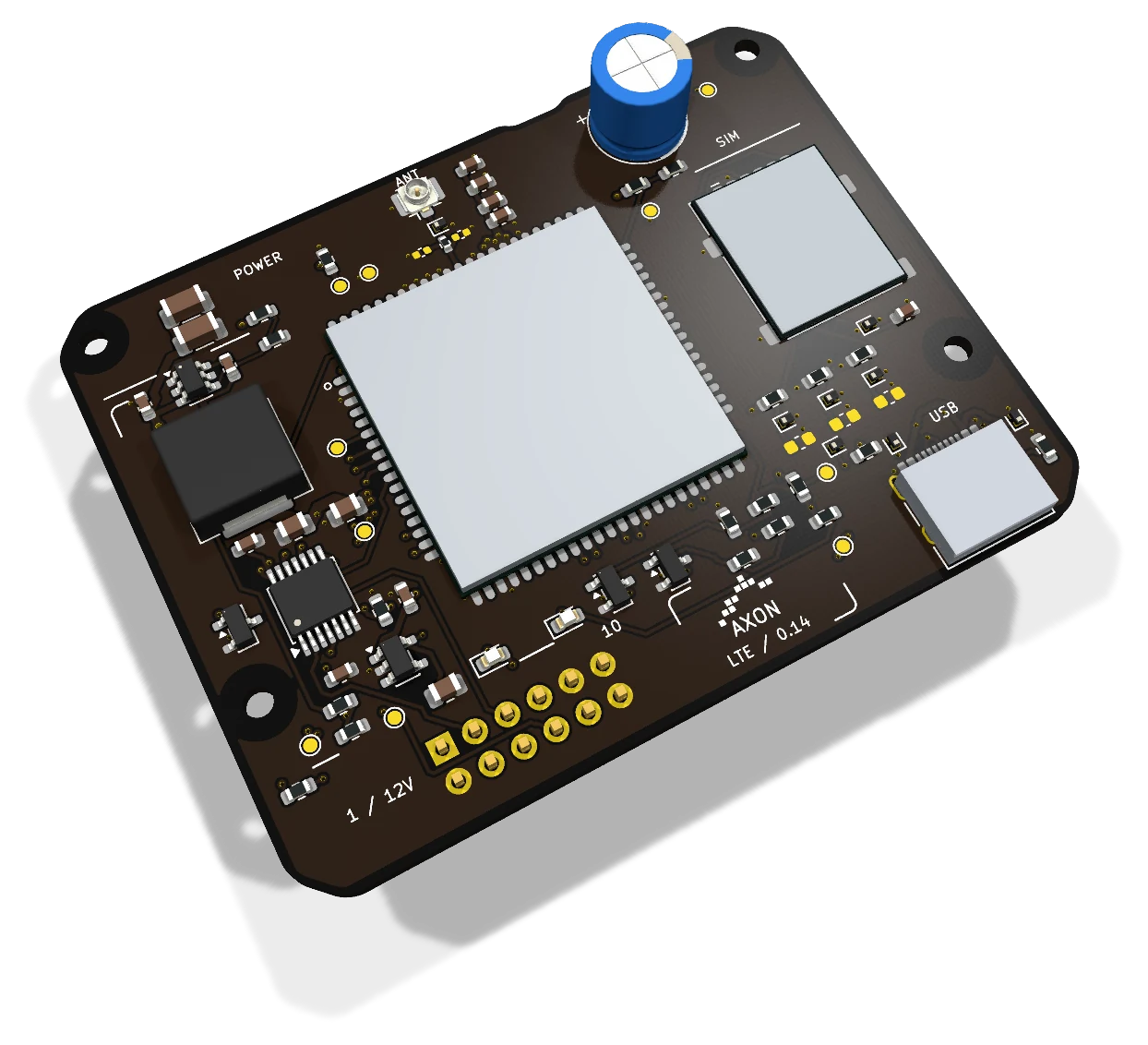
Integrated LTE on the board

Master Premium includes integrated LTE connectivity. This differs from Master Lite, where cellular connectivity is added through an optional external module.

Cellular use is planned together with the configuration, antenna and mobile operator service. How LTE works alongside Ethernet is defined in the complete system configuration.

Two contacts for button signals

The two local SSR contacts provide an interface for button signals. They can be used when the command point is close to the controller and the electrical interfaces are compatible.

Nodes provide additional contacts or serve more distant points. The contacts do not directly power locks, motors or mains-voltage loads; those devices require an appropriate interface.

Connect access hardware with everyday building management.

Manage cards, schedules and service validity centrally, then apply the rules at the selected access points. Connected masters exchange updates with the platform in real time, so one building or several managed properties can use a consistent administration process.

Users, cards and access permissions

Each master stores up to 1,000,000 cards. Administrators assign users to entrances, floors, doors, garages or barriers and set the schedules and validity periods for those permissions.

A resident, employee or service contractor can therefore have access to selected points at selected times. When permissions change, the platform distributes the updates to connected masters in real time. A disconnected master receives remote changes only after its connection returns.

Maintenance records and payment collection

The platform records maintenance work, payments and service validity. Administrators choose which access points are linked to a validity or payment deadline. When that deadline expires, access is blocked at the designated points, while residents receive advance notice on their phones.

This makes the rule specific to the service and the access point: for example, elevator access or a garage entrance can be selected without applying the same restriction to every door. Where a point is an emergency exit, the rule can restrict entry only; escape and emergency release remain free. The master applies access rules, while payment records and collection are managed by the platform.

Live updates and remote device control

The platform distributes card, permission and configuration changes across connected masters in real time. An administrator can also remotely deactivate a selected reader or subordinate node without disabling every access point in the installation.

Communication between subordinate devices and the master is encrypted, as are the links between the master and cloud services. Ethernet and integrated LTE provide network access; MQTT carries system messages. Remote changes require a working connection to the receiving master and device.

Local diagnostics from a phone

A phone can access local master diagnostics through the connection supported by the model. For Premium, the phone uses the local network connected to the master’s Ethernet port. This does not require an onboard Wi-Fi or Bluetooth interface on Premium.

Local diagnostics help the installer inspect the master and its connected devices at the building. Remote administration remains available through the platform when the system has a network connection.

Start the configuration with a few practical details.

Choosing a controller becomes easier when the spaces, equipment and management process are understood. A shared plan connects access decisions with installation decisions.

Access points and users

List the entrances, floors, doors, garages and service areas. For each one, identify who needs access and where the reader should be installed.

This helps establish the contact count and user groups. The number of doors or floors is a starting point; the interface on each piece of equipment determines the actual connection.

Cabling, networking and power

Identify possible positions for the controller and nodes, cable routes, Ethernet points and power sources. The two CAN branches and their individual power requirements can then be planned.

The same approach applies to international projects. AXON’s team is based in Kosovo, but system planning is not limited to that market. Local infrastructure, installation requirements and support arrangements are assessed for each building.

One configuration for the whole team

The building manager defines access rules and the services to be tracked. The installer provides details of the panel, doors and automation equipment. The AXON team brings these together to select the controller, readers and nodes.

Send us a description of the building and its existing equipment. Together, we can decide which connections stay local, which need nodes and how the installation will be managed.

Lite or Premium?

Choose according to your network layout and the interfaces your installation needs.

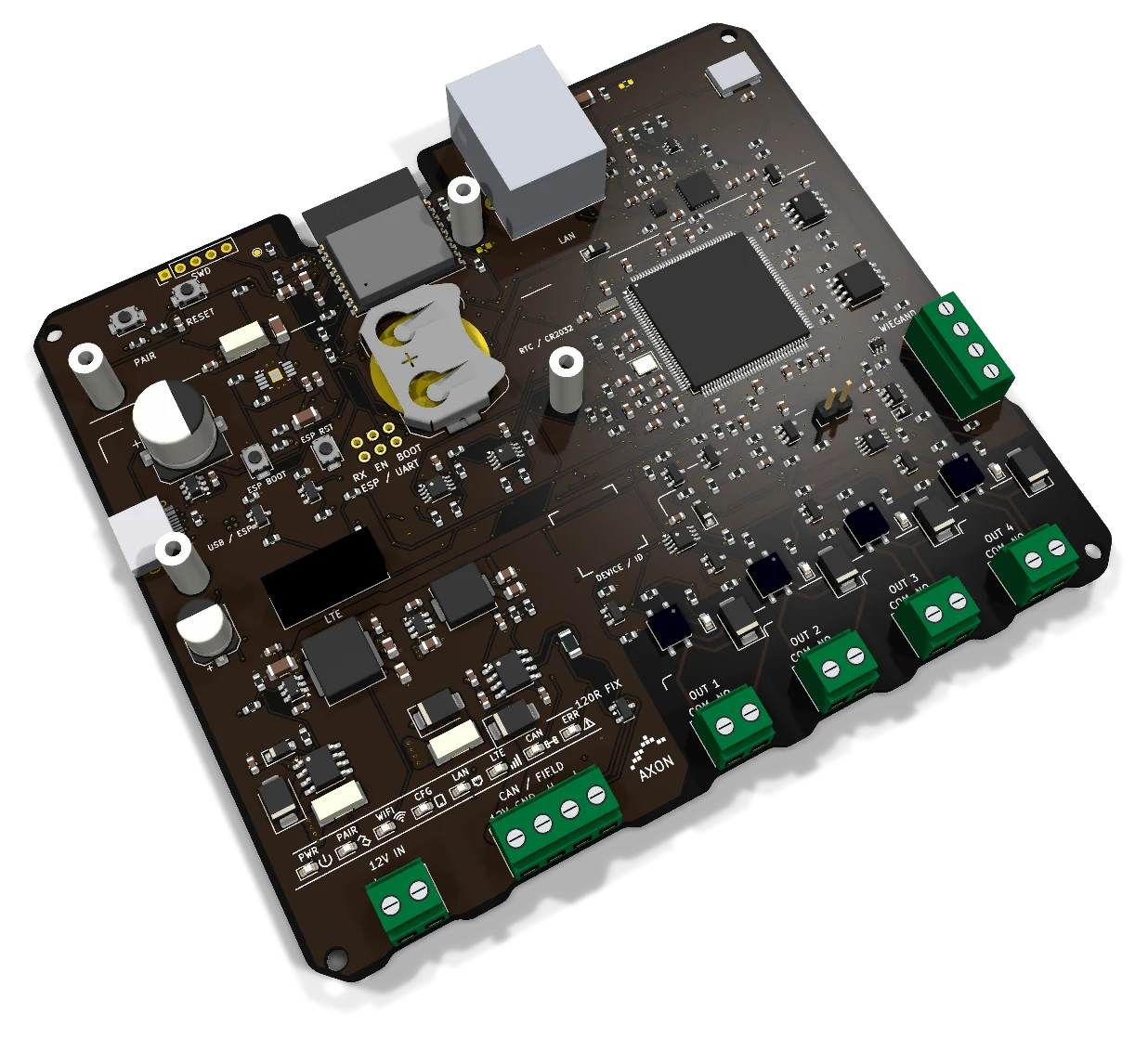
Two masters with different roles and interfaces
InterfaceMaster LiteMaster Premium
CAN1 CAN bus2 galvanically isolated channels
Local outputs4 SSR2 SSR
NetworkEthernet and 2.4 GHz Wi-FiEthernet, PoE for the master and onboard LTE
ReadersWiegand input and nodes according to configurationReaders on the CAN network
ExpansionNodes according to the installationTwo CAN branches with separate FIELD power
Explore Master Lite
Project budget

Pricing and configuration

Considering AXON Master Premium for your project? Compare economical and Premium configurations, then adjust the budget for elevators, access-controlled landings, doors, garages and credentials.

Premium · One-elevator system · inside or outside
250 €+
Premium · One-elevator system · inside and outside
350 €+
Cards / tokens · each, wholesale
3 €+

Indicative starting prices for system configurations. Your project quote specifies the selected boards, equipment, installation and services.

Specifications: AXON Master Premium

Interfaces and applications
RoleCentral controller for the AXON system
CAN2 separate channels with galvanic isolation
CAN filteringElectromagnetic interference (EMI) filtering
Interface protectionESD protection on CAN and Ethernet
Main power input12–24 V DC; PoE for the controller
Node powerTwo separate 12–24 V DC inputs with protection and measurement
Local outputs2 SSR contacts for button signals
EthernetLocal network connection through RJ45
LTEIntegrated; subject to cellular configuration
Board dimensions165 × 140 mm
Stored cards per masterUp to 1,000,000
Addressed subordinate devicesUp to 240 readers and nodes per master
Access rulesSchedules, validity and selected payment-linked access points
Communication protectionEncrypted subordinate–master and master–cloud links

Practical questions

What is AXON Master Premium?
AXON Master Premium is an access controller with two isolated CAN channels, Ethernet, PoE for the controller, integrated LTE and two local SSR contacts. Nodes and readers extend the installation to serve elevators, doors, garages and shared spaces.
Why choose two CAN channels?
The two channels let you organise nodes into two branches around the building layout and cable routes. Each has its own CAN isolation and associated power supply. They are separate channels, not two connectors on the same bus, and do not automatically act as a backup for each other.
Does the controller itself read RFID cards?
The master is the central controller. Cards are read by an external reader, such as AXON Reader EV3 in the CAN family. Card technology and the reading profile are selected together with the reader and system configuration.
How do I add outputs when two local contacts are not enough?
Output nodes add contacts near the equipment to be controlled. AXON Node8 has eight SSR outputs and CAN communication. The node count, channel allocation and signal compatibility are planned around the panel, doors or automation equipment in the installation.
Do 240 connected devices mean 240 relays?
The modular system supports up to 240 addressed subordinate devices per master. A device can be a reader or an output node with several contacts; this is not a limit of 240 relays. Node8 has eight SSR outputs, and other node variants provide eight or more outputs according to their model. Size each bus segment and its power supply for the devices connected to it.
What is the difference between EMI and ESD?
EMI is electromagnetic interference that can affect signals. ESD is electrostatic discharge, usually a brief electrical pulse. Premium includes EMI filtering on CAN and ESD protection on CAN and Ethernet, alongside galvanic isolation and power protection.
Does PoE power the nodes?
PoE powers the controller. Nodes receive power through the two branches’ external 12–24 V DC inputs. Power supplies and cables are sized for the devices and load on each branch.
Does Premium have Wi-Fi, Wiegand and four outputs like Lite?
Those interfaces belong to Master Lite. Premium has two local SSR contacts, two isolated CAN channels and onboard LTE. Lite has four SSR outputs, one CAN bus, a Wiegand input, Wi-Fi and a connector for an optional LTE module. The choice depends on the installation.
Can it be installed inside an elevator car?
Yes. The same master can sit inside or outside the elevator cabin. A master outside can serve landing readers, building entrances, garage or barrier access, and relay nodes inside the cabin through the same compatible CAN lines. The cabin panel and electrical interfaces determine the output-node selection.
Can the system also control doors and garage access?
Yes. The system can be planned for building entrances, doors and garages using suitable interfaces. The command connects to an appropriate equipment input. Locks, motors, sensors and protective circuits retain the power and control arrangements required by their own automation.
What is needed for LTE connectivity?
Premium has integrated LTE connectivity. The cellular configuration is planned around the antenna, coverage and mobile operator service. How LTE is used alongside Ethernet is part of the system configuration.
How does it relate to building payments and maintenance?
The platform records payments, maintenance and validity periods. The administrator selects which access points are restricted when validity or the payment deadline expires, and residents receive advance notice on their phones. Emergency exits retain free escape and emergency release; any access restriction applies only to entry.
Can AXON be planned for projects outside Kosovo?
Yes. Kosovo is where the AXON team is based. International projects are assessed for infrastructure, local installation requirements, communication and support arrangements. Equipment selection starts with the building and the access points it needs to manage.
How many cards does each master store?
Each master stores up to 1,000,000 cards. Card capacity is separate from the limit of up to 240 addressed subordinate readers and nodes.
Can readers or nodes be deactivated remotely?
Yes. The administrator can deactivate a selected reader or subordinate node through the platform. The command must reach the connected master and target device; a disconnected system cannot receive a remote change until communication returns.
How do updates reach several masters?
The platform distributes card, permission and configuration updates across connected masters in real time. Each receiving master needs an active connection.
Can a phone connect for local diagnostics?
Yes. Use the model-supported local connection. Premium is reached through its Ethernet-connected local network; Master Lite also provides its own Wi-Fi connection. Premium does not gain Wi-Fi or Bluetooth from this diagnostic function.
Let’s plan your system.

Tell us how many entrances, floors, doors and garage access points you need to manage. Together, we can plan the controller, two CAN branches, nodes, readers and day-to-day administration.