How AXON works across your building
AXON connects RFID readers, controllers, output nodes and management software. Choose a controller with many outputs in the elevator cabin or a modular master with devices distributed through the building. The same administration manages cards, schedules, payments and the access points each person may use. The AXON platform also provides automatic billing, phone and watch credentials, visitor QR/PIN access and integrations with other services.
Two configurations for different installations
Start with the locations of the reader, floor signals and other access points. Both layouts use the AXON platform; the difference is how the hardware and outputs are organized.
Outputs together in the cabin
A controller near the cabin panel brings many floor-request outputs into one place. CCU-32 is the 32-output example; other relay-count variants suit different panels. This layout is useful when the reader and most signals are concentrated inside the elevator car.
Explore CCU-32A master with distributed nodes
Master Lite or Premium can sit inside the cabin or elsewhere in the building. Readers and relay nodes connect along shared communication lines. A master in a cabinet can serve landing readers, entrances, garages and a multi-relay node inside the cabin.
Explore modular access controlThe master, reader and output node work together
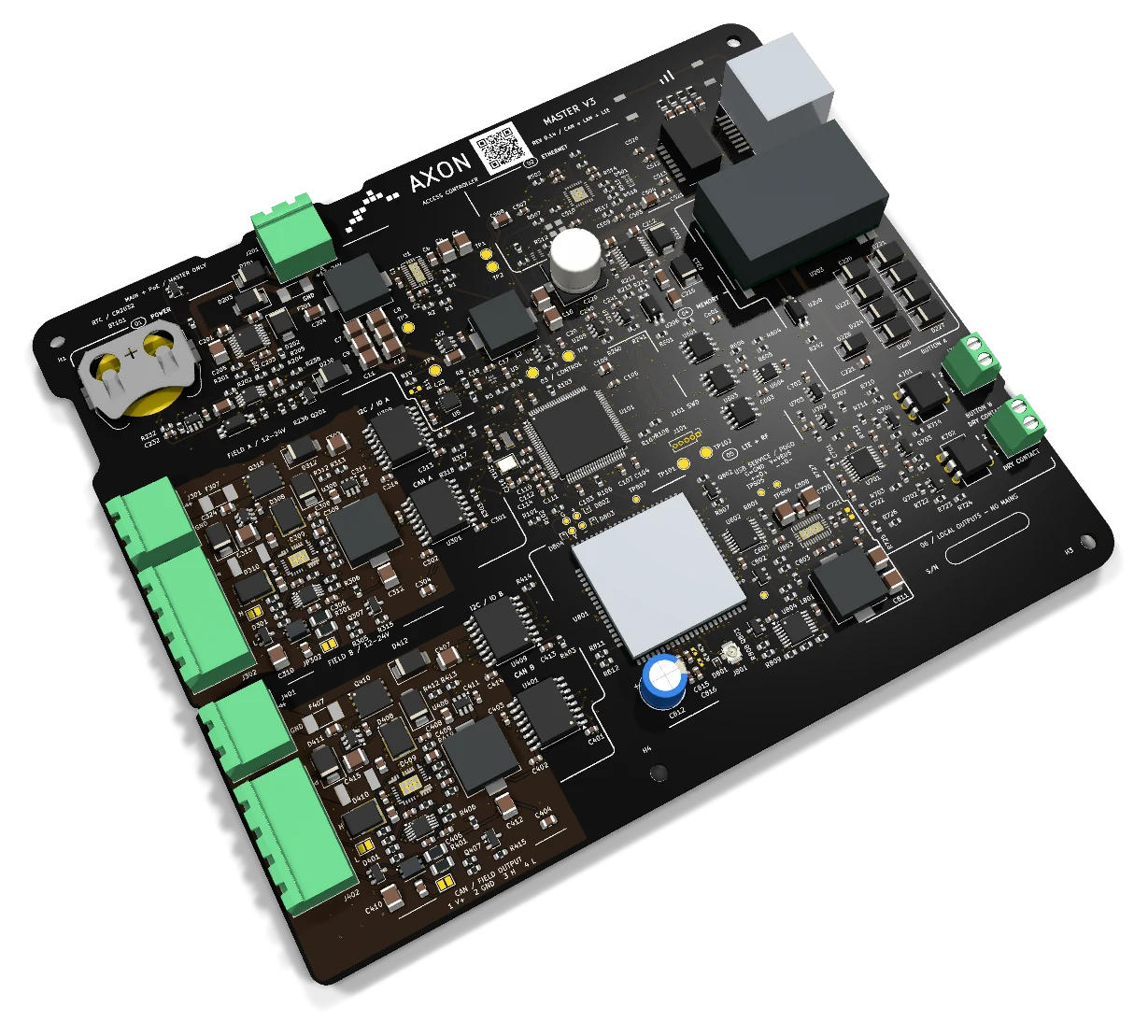
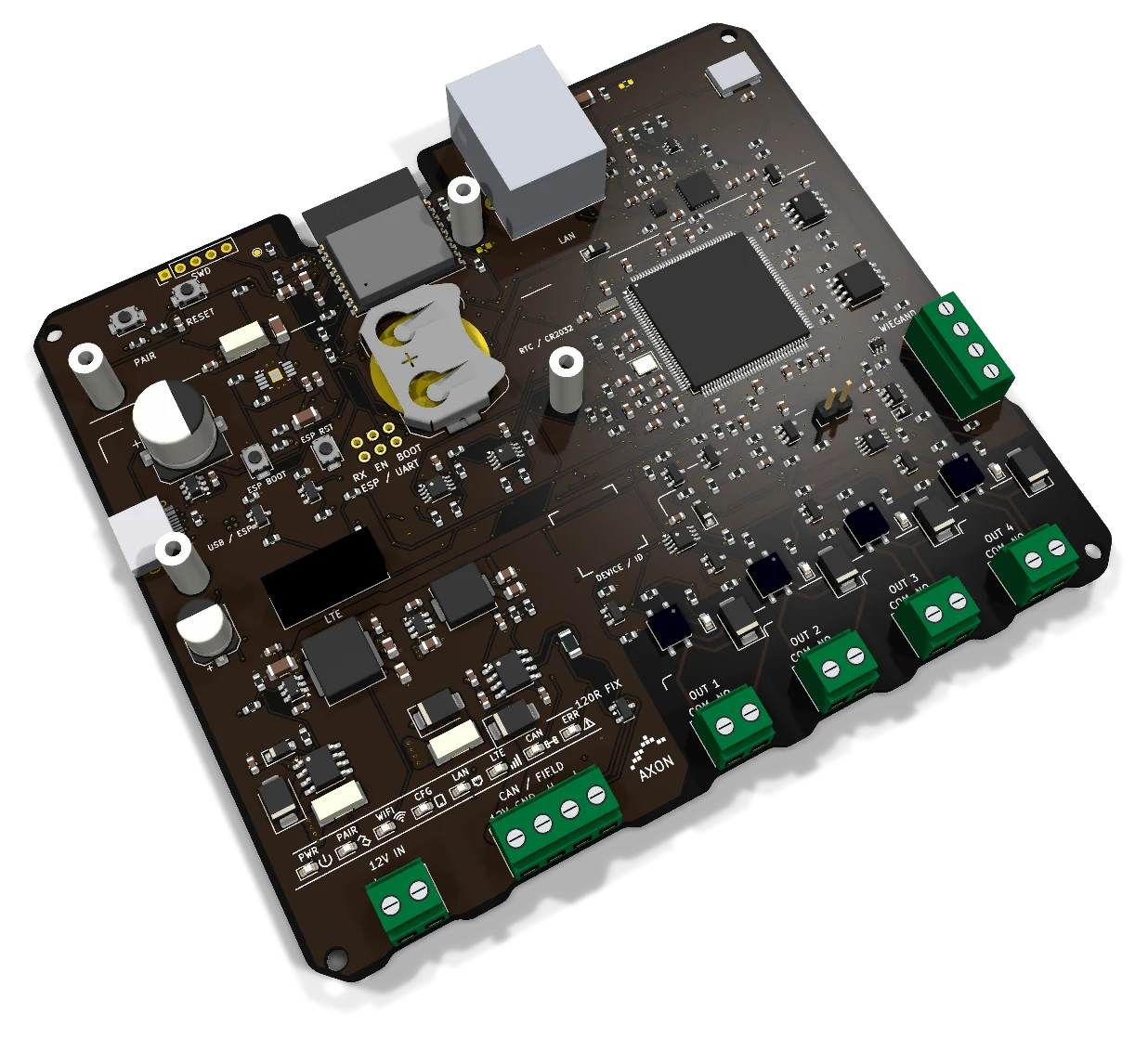
Master Lite or Master Premium
Master Lite has four local SSR outputs, one CAN interface, Ethernet, Wi-Fi and a Wiegand input, with a connection for optional external LTE. Master Premium has two local SSR contacts, two isolated CAN branches, Ethernet and onboard LTE. Both serve the modular arrangement; choose the interfaces needed by the installation.
Relay and output nodes
Node8 adds eight SSR output channels near the equipment receiving commands. Other node variants offer more outputs. Adding nodes extends the installation without changing the local output count of the master. The output interface is selected for the actual electronic signal and connected equipment.
Readers at the access points
Reader EV3 provides an RFID/NFC reading point over CAN. A reader identifies the card, the master applies its permissions, and the assigned output sends the command. Reader count, output count and the number of controlled doors or floors are planned separately.
How an entry is authorized
The same sequence connects a person’s permissions to an elevator request, entrance door or garage command.
Present the access credential
The person uses a card, token, phone or watch Wallet credential, or visitor QR/PIN through the compatible interface. The entry point identifies the access request to be checked.
Check the permissions
The system checks the credential’s permissions, assigned points, schedule and validity period. The master stores card data locally; other credential methods use their corresponding access configuration.
Send the assigned command
When the request is authorized, the assigned local output or node sends the appropriate signal to the connected equipment. The elevator, door or gate interface is selected as part of the installation.
Keep administration current
The connected platform distributes changes to cards and permissions across the relevant masters in real time. Administrators can manage the installation as a whole while each master retains its own card store.
Access, payments and daily building operations in one place
AXON brings these functions into the same management platform. The access devices, credential options and connected services are selected together for each installation.
Automatic billing and payment-linked access
AXON generates invoices, records payments and manages validity periods. When the configured payment or subscription period expires, it automatically suspends access at the points chosen by the administrator. Residents receive advance phone notifications, while other permitted points keep their own rules and free emergency egress remains available.
Apple Wallet and Google Wallet credentials
Residents and staff can use access credentials in Apple Wallet or Google Wallet on a compatible phone or watch. The credential follows the permissions assigned to its user. Select the wallet option with the compatible access configuration, so the phone or watch serves the entrances and services intended for that person.
Public API and webhooks for integrations
The public API connects AXON with other software, while webhooks send events to integrated services. Connect financial software and building-management workflows so payment records and access administration can work together. Agree the data exchanged and the actions triggered as part of the integration setup.
Temporary visitor access by QR or PIN
A resident can authorize a visitor with a temporary QR code or PIN. The authorization defines the access points and period available to the visitor, making it useful for guests, deliveries or a scheduled service visit. The visitor uses the compatible QR or PIN access interface provided at the building.
Intelligent monitoring and early fault alerts
AXON monitors connected devices and provides early fault alerts to the maintenance team. Staff can see which device needs attention and investigate through the management platform and supported diagnostics. This helps organize service work around reported conditions instead of waiting for a resident to discover a problem.
One dashboard for maintenance companies
A maintenance company can manage many buildings and elevators from one dashboard. Keep access administration, payment records and device monitoring organized by site, then move to the building or elevator that needs attention. The same working view supports daily administration and coordination with technicians.
Hardware and firmware protection
AXON includes hardware and firmware protections against unauthorized updates and interventions. These controls support managed servicing and help protect the installed configuration. Maintenance teams use the authorized update and intervention process for the selected equipment, with responsibilities agreed during handover.
Intercom and camera integration
Integrate compatible intercoms and cameras to help residents or operators identify a visitor and grant controlled access. The visitor interaction and access permission become part of the building’s entry workflow. Select the connected devices and the entrances they serve when planning the installation.
Schedules, expiry and payment rules by access point
A resident, technician and visitor do not need the same access. Administrators define the points and periods appropriate to each person.
Choose the permitted spaces
Assign the entrance, floors, garage and shared areas the person may use. Add time schedules where needed, such as technical-room access during a service window. The rules follow the space and the user’s role.
Restrict selected points on expiry
AXON automatically blocks access at the designated points when the card validity or payment/subscription period expires. The administrator chooses which entrances, floors or services are restricted and which stay active. The rule applies only to the selected points.
Notify the resident beforehand
Before the relevant expiry, the resident receives a notification on their phone. This provides advance notice of the validity or payment period and the opportunity to resolve it before the configured access restriction takes effect.
Changes reach connected masters in real time
Card data and permission changes are distributed across connected masters in real time. A building manager can administer several entrances or areas without treating each controller as a separate list of users. Each master stores up to 1 million cards locally.
An administrator can also disable a selected reader or subordinate device remotely, without visiting it physically. The installation map identifies the device and the points it serves, so a change can be directed to the intended part of the system.
Communication between AXON subordinate devices and their master, and between the master and cloud services, is encrypted. Authorized technicians can connect a phone locally to a master for diagnostics. The local connection method follows the master configuration.
- Shared card and permission administration
- Remote control of selected readers and nodes
- Local diagnostics from a phone
One entrance, an elevator and a shared garage
Imagine a residential building with a shared entrance, readers on the landings, an elevator and a garage barrier at the access ramp. A modular master sits in an equipment cabinet. Shared lines connect the readers, the garage devices and a multi-relay node inside the cabin. The cabin node supplies the floor-request contacts, so the master does not need to be replaced with a different type just to serve the elevator.
A device-count example: for 20 cabin floor signals, three Node8 units provide 24 SSR outputs. Adding 22 readers — 20 on the landings, one at the entrance and one at the garage — gives 25 addressed devices: 3 nodes + 22 readers. There are 24 node outputs and 25 devices. The installation plan assigns the outputs to the relevant equipment.
Residents receive permissions for their floors and shared spaces through a card or compatible Wallet option. Maintenance staff use technical areas within their schedule. The administrator generates invoices and records payments in the platform, while a resident can give a guest a temporary QR or PIN for the permitted entrance.
If the payment period expires and the administrator has selected the garage and certain elevator points for restriction, AXON automatically suspends access only there. The resident receives advance phone notification. Other permissions keep their own rules and emergency egress remains free.
If another entrance is added, the installer selects the reader or output node and extends the approved communication and power plan. If the project uses additional masters, relevant card and permission changes are distributed to those connected controllers. This example illustrates the arrangement; the actual device count follows the building’s signals and layout.
Access rules must preserve free emergency exit
A door can require authorization for entry while still allowing people to leave freely in an emergency. Card expiry, payment rules, schedules and remote device controls must not block evacuation. The installation preserves free emergency egress and keeps access commands separate from the elevator’s movement and safety functions and the gate’s protective functions.
Starting prices for systems and credentials
The configuration and installation work determine the final quote. These are starting points, not fixed prices for every controller or building.
Elevator system from €100
A basic access system for one elevator starts from €100. The final quotation identifies the selected equipment, readers, output requirements, cabling and installation work included. More access points or different interfaces change the project scope.
See pricing and scopeRFID credentials from €3 each
Authenticated RFID cards or tokens with copying protection start from €3 per piece for wholesale orders. The credential type, quantity and compatible configuration are specified in the quote. Select the cards and readers together for the intended use.
Explore installation servicesUnderstand the layout before choosing boards
Does AXON have only a 32- or 64-relay elevator system?
Can the same master serve the cabin and the rest of the building?
What does the 240-device capacity mean?
How many cards does each master store?
Does an expired payment block all access?
Can a reader or node be disabled remotely?
Is communication encrypted?
Can a technician use a phone for diagnostics?
Do you provide installation as well as the equipment?
Can residents use Apple Wallet or Google Wallet instead of a physical card?
Does AXON create invoices as well as record payments?
Can residents authorize a visitor without issuing a permanent card?
Can a maintenance company connect AXON to financial software?
Tell us which spaces you need to manage
Send the entrances, floors, garage points, reader positions and existing equipment. We can map the controllers and nodes, define the access rules and prepare the installation scope with you.